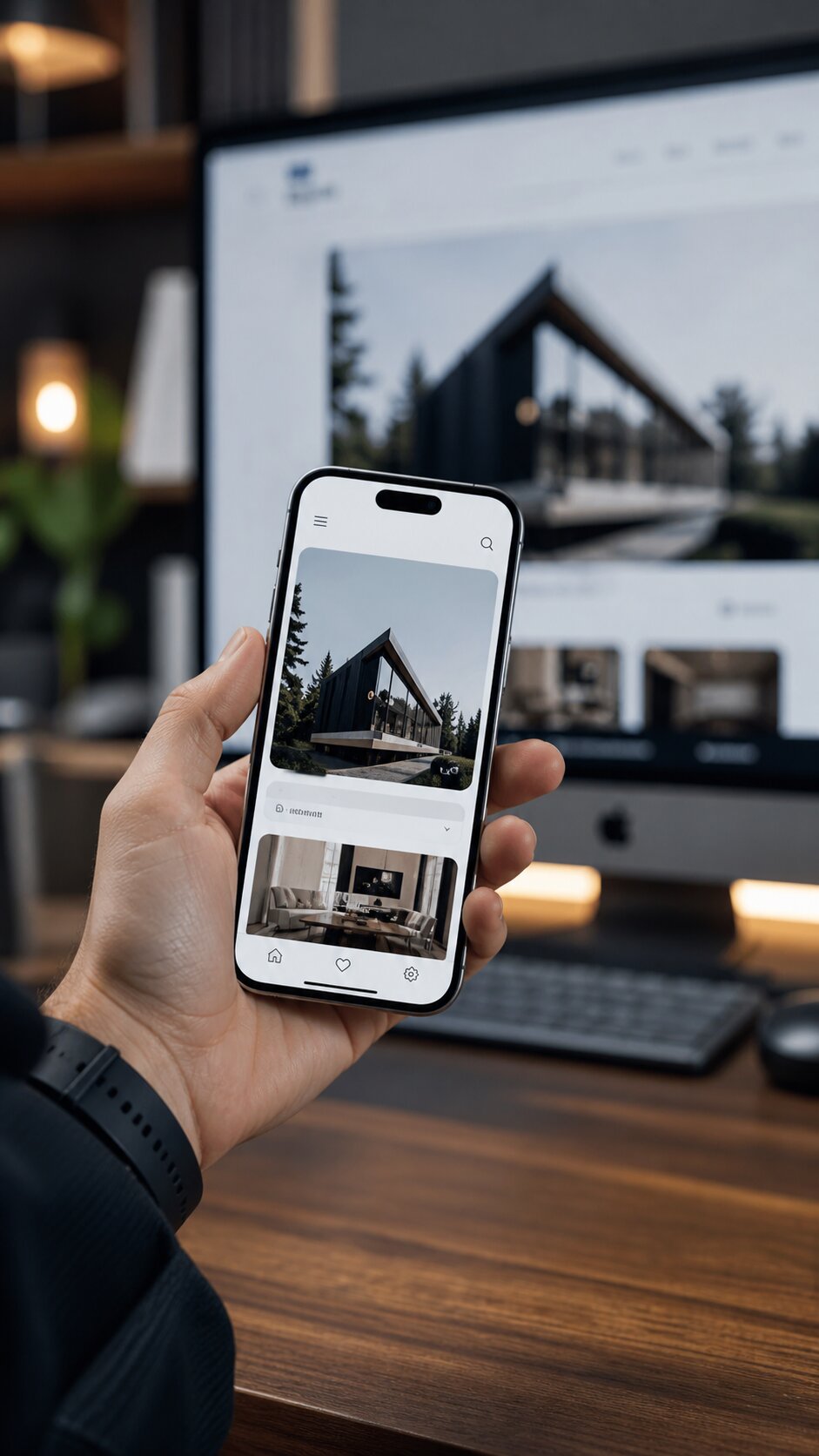
Mobile-First Design: Why It Still Matters (And Often Done Wrong)
Mobile-first is one of the most-misunderstood phrases in web design. Most "mobile-first" sites are still desktop-first afterthoughts. Here's what real mobile-first looks like in 2026.
"Mobile-first" entered design vocabulary in 2010 and has been progressively misused ever since. Most sites that claim to be mobile-first are desktop-first sites with a responsive afterthought. Real mobile-first design is a different discipline, and it still matters in 2026.
What mobile-first actually means
Mobile-first means designing the mobile experience first, with desktop as the progressive enhancement. The constraints of mobile, small screens, thumb-driven interaction, slower connections, limited attention, force prioritization that often produces clearer, faster, better experiences across all devices.
It does NOT mean:
- Designing the desktop layout first and then making it responsive.
- Hiding desktop content on mobile via display: none.
- Cramming the same information into a smaller screen.
- Designing two completely separate experiences with different content.
Why it still matters in 2026
50-70% of B2C web traffic and 30-50% of B2B web traffic comes from mobile. Google indexes the mobile version of your site by default, meaning desktop-only optimization actively hurts rankings. And mobile users have higher purchase intent in many categories (especially local services and impulse purchases) than desktop users do.
Sites that treat mobile as the primary experience consistently outperform sites that treat mobile as a constraint to be managed.
What good mobile-first design includes
1. Content priority by viewport
The hierarchy of information at 360px width is not the same as 1440px. Mobile-first design starts by asking: what is the single most important thing this page must communicate above the fold on mobile? Everything else stacks below.
2. Touch-friendly interactions
Touch targets minimum 44x44px (Apple) or 48x48px (Android). Hover states have no equivalent on touch, interactions that depend on hover discoverability fail on mobile. Drop-down menus, tooltips, and reveal-on-hover patterns need touch alternatives.
3. Performance budget
Mobile users on cellular connections feel every kilobyte. Mobile-first design imposes a performance budget, total page weight, JavaScript size, image weight, and treats every byte as a deliberate choice.
4. Thumb zone awareness
Right-handed users (the majority) hold their phones such that the thumb naturally reaches the bottom-center of the screen. Bottom navigation, primary CTAs at the thumb zone, and avoiding top-corner-only interactions improves usability dramatically.
5. Single-column-first layouts
Mobile screens are tall and narrow. Layouts that work in a single column scale up to multi-column desktop layouts cleanly. Layouts designed as multi-column desktop grids rarely scale down well.
6. Form patterns optimized for touch
Native mobile inputs (date pickers, telephone keypads, autocomplete) instead of custom controls. Field types (type="email", type="tel") that trigger appropriate keyboards. Autofill attributes to leverage stored credentials.
7. Conditional content (used carefully)
Some content genuinely doesn't belong on mobile (massive data tables, multi-column layouts, large embedded media). Mobile-first design serves alternatives, summary views, downloadable links, simplified versions, rather than hiding content entirely.
What bad "mobile-first" looks like
Desktop layout shrunk down
Sites where the mobile experience is the desktop experience scaled to fit. Tiny touch targets, illegible text, awkward horizontal scrolling.
Hamburger-menu-everything
Hiding all navigation behind a hamburger menu on mobile because "that's what you do." Sometimes appropriate, often a UX failure that buries primary navigation.
Desktop-only features
Critical functionality only available on desktop. In 2026, this is malpractice. If users can't complete the primary task on mobile, your design has failed.
Carousels everywhere
Carousels are notoriously bad on mobile (and desktop). Auto-rotating carousels that swap content as users try to read are particularly hostile.
Tap-to-zoom required text
Text small enough to require zooming is too small for mobile. Body text should be 16px minimum, with line-height 1.5+ for readability.
Mobile-first design patterns that work in 2026
Bottom navigation for primary actions
Reaches the thumb zone naturally, leaves the top of screen for content. Standard pattern in mobile apps; increasingly used on mobile web for primary actions.
Sticky CTAs
A persistent "Buy now," "Add to cart," or primary CTA at the bottom of the viewport ensures the action is always one tap away.
Progressive disclosure
Show less content by default, expand on demand. Accordions, "show more" patterns, and tabbed content reduce mobile scroll length without losing depth.
Native gesture support
Swipe to dismiss, pull-to-refresh, swipe between cards. These patterns are familiar from mobile apps and increasingly expected on mobile web.
Dark mode
Many users default to dark mode on phones. Sites that support OS-level color scheme preferences feel native and considered.
Testing mobile-first work
Don't test mobile only on Chrome DevTools. Real testing requires:
- Real devices, not just emulators. Touch behavior is different.
- Multiple screen sizes. iPhone SE (375px) is meaningfully different from iPhone Pro Max (430px).
- Slow connections. Throttle to 3G in DevTools or test on cellular.
- One-handed use. Try completing every primary task with one thumb.
The bottom line
Mobile-first isn't a style trend, it's a methodology. Sites built mobile-first in 2026 outperform sites built desktop-first across every meaningful metric: rankings, conversions, time-on-task, satisfaction.
If your site feels mobile-second, that's usually because it was designed mobile-second. Fixing it requires more than responsive CSS, it requires rethinking priorities. We can help with both.